Slider Revolution is an incredibly powerful WordPress animation and slider tool. But powerful doesn’t always mean appropriate, especially when your website already uses a visual...
At CMHWorks, we generally recommend using one primary design system rather than stacking multiple visual editors on top of each other.
You’re Essentially Running Two Page Builders
Elementor already handles page layouts, responsive design, backgrounds, animations, carousels, hero sections and other visual elements.
Slider Revolution introduces its own editor, layers, responsive settings, animation timeline, JavaScript and CSS. A slider built in Slider Revolution is therefore designed in one environment and embedded inside a page being managed in another. [master-addons.com]
It works, but that doesn’t necessarily make it a good architecture.
It Makes Your Website Harder to Maintain
With an Elementor-native design, someone updating a page can open Elementor and edit most of what they see.
Add Slider Revolution, and suddenly part of the page lives somewhere else. Updating a headline, image or button may require leaving Elementor, opening Slider Revolution, finding the correct module and layer, and dealing with a completely different editing interface.
That added complexity matters when you’re maintaining a business website. CMHWorks specifically includes plugin updates, performance verification and rollback capabilities as part of its site-maintenance approach. [cmhworks.com]Internal link opportunity: Link here to your CMHWorks article about WordPress maintenance, plugin management or keeping websites updated.
You May Be Adding Performance Overhead You Don’t Need
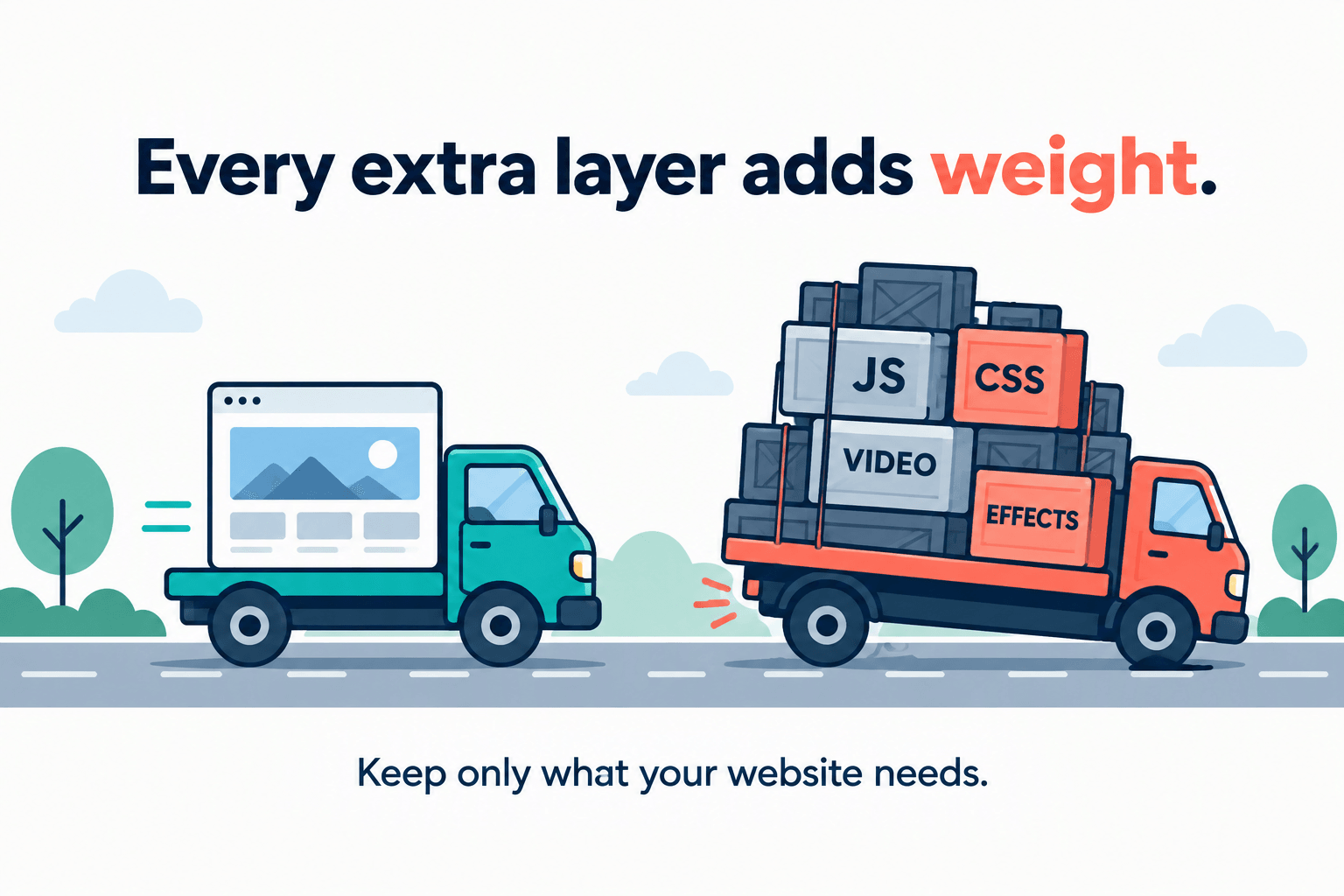
Slider Revolution loads its own JavaScript framework and styles on pages containing its modules. A comparable hero built with Elementor’s native functionality can generally avoid that additional framework. [master-addons.com]
This doesn’t mean Slider Revolution automatically makes a website slow. It means you’re adding another visual framework, so there should be a good reason for it.
For a deeper comparison, Master Addons discusses this specifically in its Slider Revolution vs. Elementor comparison. [master-addons.com]
And its comparison of Elementor slider options highlights the distinction between Elementor-native widgets and standalone slider builders with their own editors and front-end resources. [master-addons.com]Internal link opportunity: Link here to your CMHWorks article about website speed, caching or performance.
Keep It Simple
Our recommendation is straightforward:
If Elementor is your website’s design system, use Elementor to build the website whenever possible.
That includes hero sections, backgrounds, calls to action, basic animation and most sliders.
There are cases where Slider Revolution’s advanced animation capabilities justify the additional complexity. But unless you specifically need those capabilities, you’re usually better off keeping the site simpler.
Fewer overlapping tools mean fewer things to update, fewer things to troubleshoot and a website that’s easier to maintain.
Need Help Simplifying Your WordPress Site?
If your website has accumulated multiple page builders, slider plugins and overlapping tools over the years, CMHWorks can help simplify the stack, improve performance and make the site easier to maintain.
Learn about CMHWorks Website Hosting & Support